If you have a SolarEdge system on your roof, you can now see it in Lyvra. Open the app, choose SolarEdge, sign in with the same account you use for the mySolarEdge app, and your production shows up next to your consumption, your charger and the hourly price. No API key, no e-mail to your installer, no settings to copy. The connection has been running on real homes since the start of October and is now open to everyone.
Here is what you get, how the connection works, and where its limits are.
What a connected SolarEdge system adds
Lyvra already knew what your house imports and exports if you have a P1 dongle or an Easee Equalizer on the meter. What it could not see was the panels themselves. Now it can.
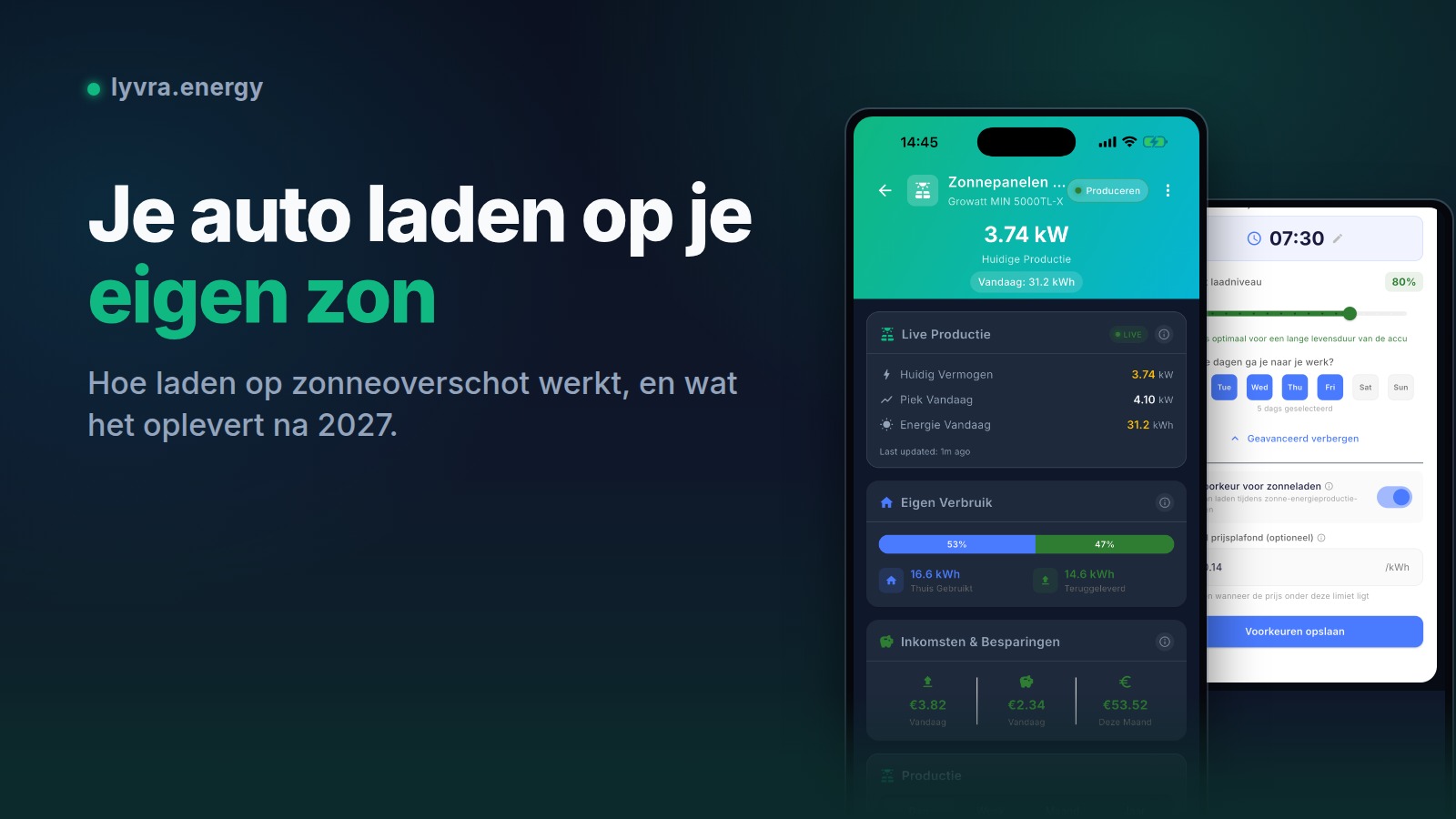
- Current power. What the inverter is delivering right now, in kW.
- Today's yield. Energy produced since midnight, in kWh.
- A 15-minute curve for every day, plus daily totals for the past 30 days from the moment you connect. History is backfilled, so the solar screen is not empty on day one.
- Lifetime production, refreshed weekly.
- Battery state of charge on StorEdge and Home Hub systems with a SolarEdge Home Battery.
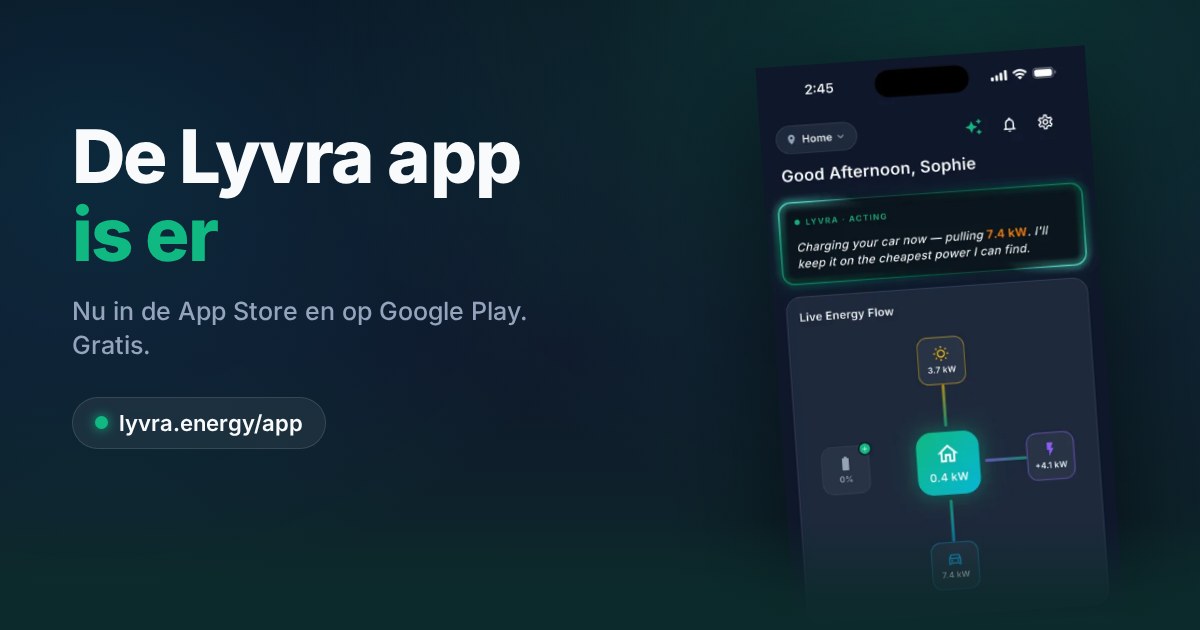
Everything lands on the same energy flow as your meter and charger. Production on one side, the car and the house on the other, and the grid in between. If you also have a dynamic contract, the price is on the same screen, so you can see what a sunny afternoon is worth at that moment.
One honest note on timing. SolarEdge publishes site data as 15-minute averages. The number in Lyvra is therefore the average of the latest quarter hour, and it can lag up to 30 minutes behind the display on the inverter or in mySolarEdge. Lyvra shows when the value was last updated, so there is no guessing.
Connecting takes three taps
- In the Lyvra app, go to your location and tap Add Device, then Solar Panels, then SolarEdge.
- Tap Connect with SolarEdge. Your browser opens SolarEdge's own sign-in page. Log in with your mySolarEdge e-mail address and password and approve the request.
- You are sent back to Lyvra. The system appears under your devices within a few seconds, with today's production and the last 30 days already filled in.
If you own more than one SolarEdge site, repeat the steps per site. SolarEdge asks for consent per site, which is also what keeps the setup tidy: Lyvra never sees sites you did not approve.
The full walkthrough, including what to do if you never received a mySolarEdge login, is in the setup guide: Connect your SolarEdge solar inverter to Lyvra.
Why there is no API key
Until now, connecting a SolarEdge system to any third-party app meant asking your installer for an API key from the monitoring portal, pasting a long string into a form, and hoping the key stayed valid. That method is on its way out. SolarEdge retires its classic monitoring API on 3 November 2026, and apps built on it stop receiving data on that date.
Lyvra is built on the replacement, SolarEdge's new developer platform, from day one. Access works the way it does with your bank or your e-mail: you sign in at SolarEdge, you approve exactly what Lyvra may read (production data for the site and its devices, nothing else), and you can revoke that access at any time under Connected apps in mySolarEdge. Lyvra never sees your SolarEdge password.
The practical upside: the installer is out of the loop. Homeowners who never had a mySolarEdge login do still need one, because that is the account you approve with. The guide explains how to get it.
Solar surplus charging: what changes and what does not
Many SolarEdge owners in the Netherlands and Belgium also have an EV, and the question that follows is whether the car now charges on sunshine. The honest answer depends on what else is on your meter.
If you have a Lyvra P1 dongle or an Equalizer, nothing changes in the charging logic, and that is deliberate. Surplus charging needs the live export reading from the meter, which updates every few seconds. A 15-minute average from the cloud would make the charger react to a cloud that passed a quarter of an hour ago. So with a meter connected, the meter keeps steering the charger and the SolarEdge data is used for what it is good at: showing you what the panels did and what it was worth.
Without a meter, Lyvra uses the SolarEdge production value as the best available signal. Charging on surplus works, just with more lag, and you should expect it to be a little more conservative. For the full picture of how surplus charging works, and why it matters more after saldering ends, read our earlier post on charging your car on solar surplus.
How often Lyvra talks to SolarEdge
Worth knowing, because it explains the behaviour you will see. SolarEdge meters access to its platform, so Lyvra is economical with requests:
- Once a day, after sunset, Lyvra fetches the complete 15-minute curve for that day. That single request gives the full history, today's total and the data behind savings.
- While you are looking at the app during daylight, Lyvra refreshes the current value, at most every 15 minutes and a few times per site per day.
- At night, nothing is requested. The panels are not producing, and there is nothing to fetch.
The result is that the daily curve and totals are always complete, and the "now" value is as fresh as SolarEdge's 15-minute data allows while you are actually looking.
What is next for inverters
SolarEdge was the most requested unsupported brand in the app, alongside Huawei. It is now live, and Growatt has been supported since the spring. The device request list in the app decides what comes next: Enphase, Huawei, SMA and Fronius are the current front-runners. If your inverter is not on the list yet, request it in the app under Add Device, and you get a notification the day it ships.