"Do I need a new charger for smart charging?" is the question we get most. In almost every case the answer is no. The charger on your wall is already a small computer with an internet connection, and the interesting part, deciding when and how fast to charge, is software. This article walks through which home chargers can be controlled, how the two routes (the manufacturer's cloud and the open OCPP standard) differ, and what to check before you assume yours does not qualify.
Two ways to control a charger
A home charger can be steered in one of two ways.
Through the manufacturer's cloud. Easee, Zaptec, Wallbox, go-e and NexBlue each run their own platform, and each offers an API that a third party can use once you log in with your account. Lyvra connects this way: you pick your brand, sign in with the credentials you already use, and the manufacturer's app keeps working exactly as before. Setup takes a minute and nothing changes on the charger itself.
Through OCPP. The Open Charge Point Protocol is the industry standard that lets any charger talk to any management system over a websocket connection. You point the charger at a backend URL and it reports sessions and accepts charging limits from there. It is how public chargers work, and most home chargers made in the last few years support it too.
The cloud route is easier. The OCPP route is more universal and does not depend on a manufacturer keeping its API open. Lyvra supports both.
Brand by brand
| Brand | Models | Route in Lyvra | Worth knowing |
|---|---|---|---|
| Easee | Home, Charge, Charge Lite, Up, One, Max, Core, Pro | Easee account | Solar-surplus charging via the Easee cloud works best with an Equalizer on the P1 port, which Lyvra can also use as its smart meter. |
| Zaptec | Go, Pro | Zaptec account | Go 2 also supports OCPP 1.6J if you prefer the open route. |
| Wallbox | Pulsar Plus, Pulsar Max, Commander 2, Quasar | Wallbox account | OCPP 1.6J is available on Pulsar Plus and Commander 2 through the myWallbox settings. |
| go-e | Gemini, Gemini flex, HOME, HOMEfix | go-e account | Also exposes a local API on your home network and OCPP 1.6J. |
| NexBlue | Point, Point 2, Edge, Edge 2 | NexBlue account | Dutch brand, OCPP 1.6J on all current models. |
| Alfen, Smappee, Peblar, Webasto, ABB, Teltonika and others | Most models since about 2020 | OCPP 1.6J or 2.0.1 | Enter Lyvra's backend URL in the charger's OCPP settings. Some brands need the installer app to unlock it. |
If your charger is not on this list, look for "OCPP" in its manual or settings. If it is there, it works. The Laadpaal Gids overview lists more models and notes that on some cheaper units OCPP is present but has to be activated by the installer.
OCPP 1.6J or 2.0.1: does it matter at home?
OCPP 1.6J, from 2015, is what nearly every home charger speaks. It handles everything smart charging needs: start and stop, live power readings, and charging profiles that set a current limit. OCPP 2.0.1 adds better security (certificates instead of a plain password), richer device management, and the plumbing for ISO 15118, the standard behind plug-and-charge and, eventually, bidirectional charging.
For charging at home on cheap hours or solar surplus, 1.6J is enough, and it is what most installed chargers have. 2.0.1 matters if you plan to keep the charger for a decade and want vehicle-to-home later. The two versions are not interchangeable, so a 1.6J charger cannot simply be told to speak 2.0.1; it needs firmware that supports it.
What "controlled" actually means
Whichever route is used, smart charging comes down to one command repeated all day: "you may draw at most X amps right now". Overnight, X is 16 A during the cheap hours and 0 A during the expensive ones. On a sunny afternoon, X follows the export reading from the smart meter, 6 A when there is a little surplus and 16 A when there is a lot. The car never sees any of this logic; it just charges at what the charger offers.
That is also why the charger's own app keeps working. Lyvra sets limits; it does not replace the charger's firmware, and you can always override it from either app.
Three things to check before you buy anything
- Is the charger online? Cloud control and OCPP both need a network connection: Wi-Fi, Ethernet or the built-in SIM some brands use. A charger that was installed "dumb" often just needs to be joined to your Wi-Fi.
- Who is the site owner? With Easee, Zaptec and Wallbox, third-party control requires that your account is the owner or admin of the charger. If the installer set it up under their own account, ask them to transfer it.
- Single phase or three? Not a compatibility issue, but it decides how often solar-surplus charging kicks in: three-phase charging needs 4.1 kW of surplus, single-phase only 1.4 kW. A charger that can switch phases gives the most solar days.
Connecting it in Lyvra
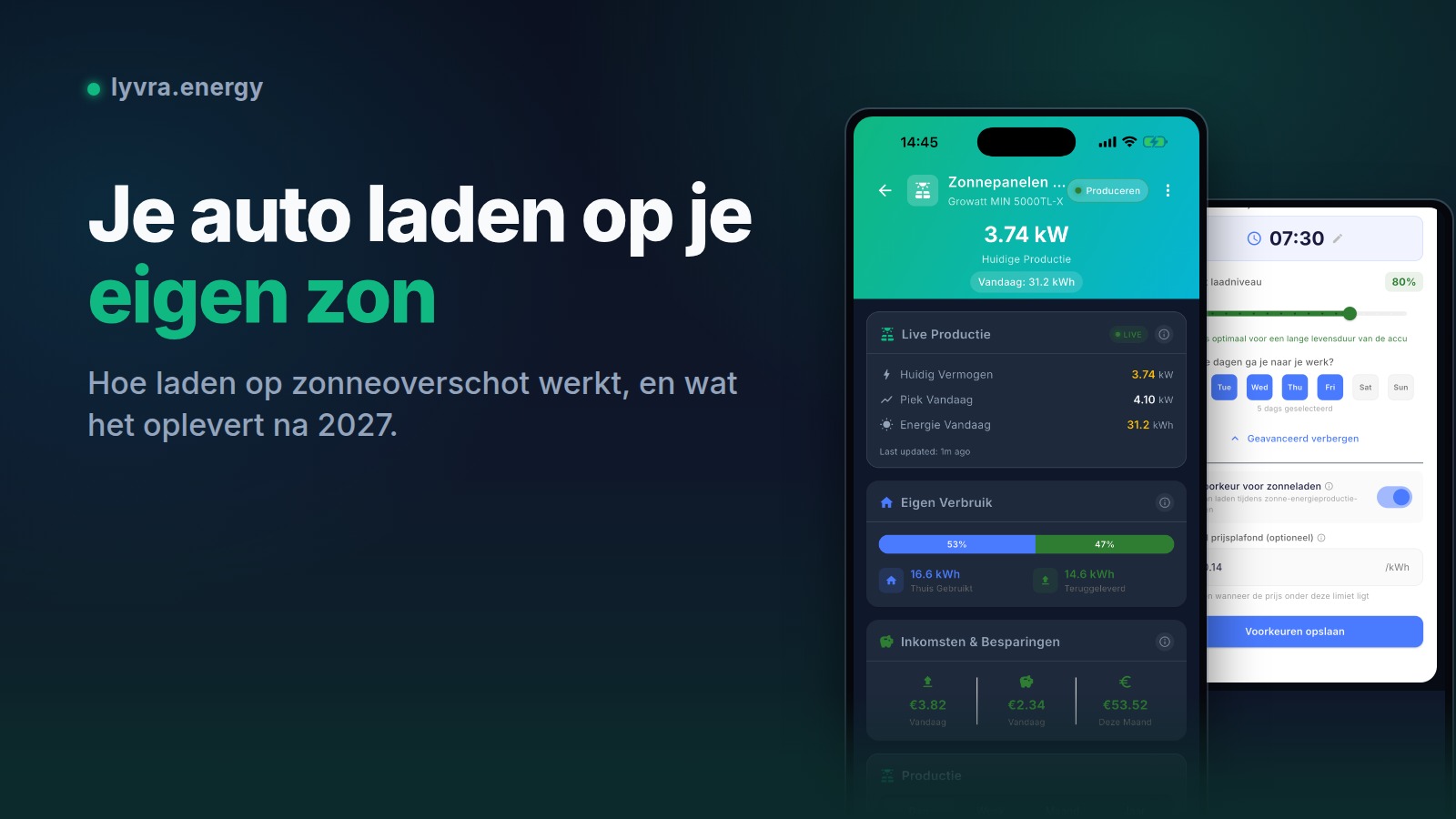
In the app, go to Devices, tap Add device, choose Charger and pick your brand. For Easee, Zaptec, Wallbox, go-e and NexBlue you sign in with your existing account and the charger appears within a minute. For any other charger, choose Other (OCPP): the app shows a backend URL and an identity to enter in the charger's OCPP settings, after which it connects itself. Then set a departure time and Lyvra plans the first session tonight.
Lyvra is free on the App Store and Google Play. Download the app and connect the charger you already own.