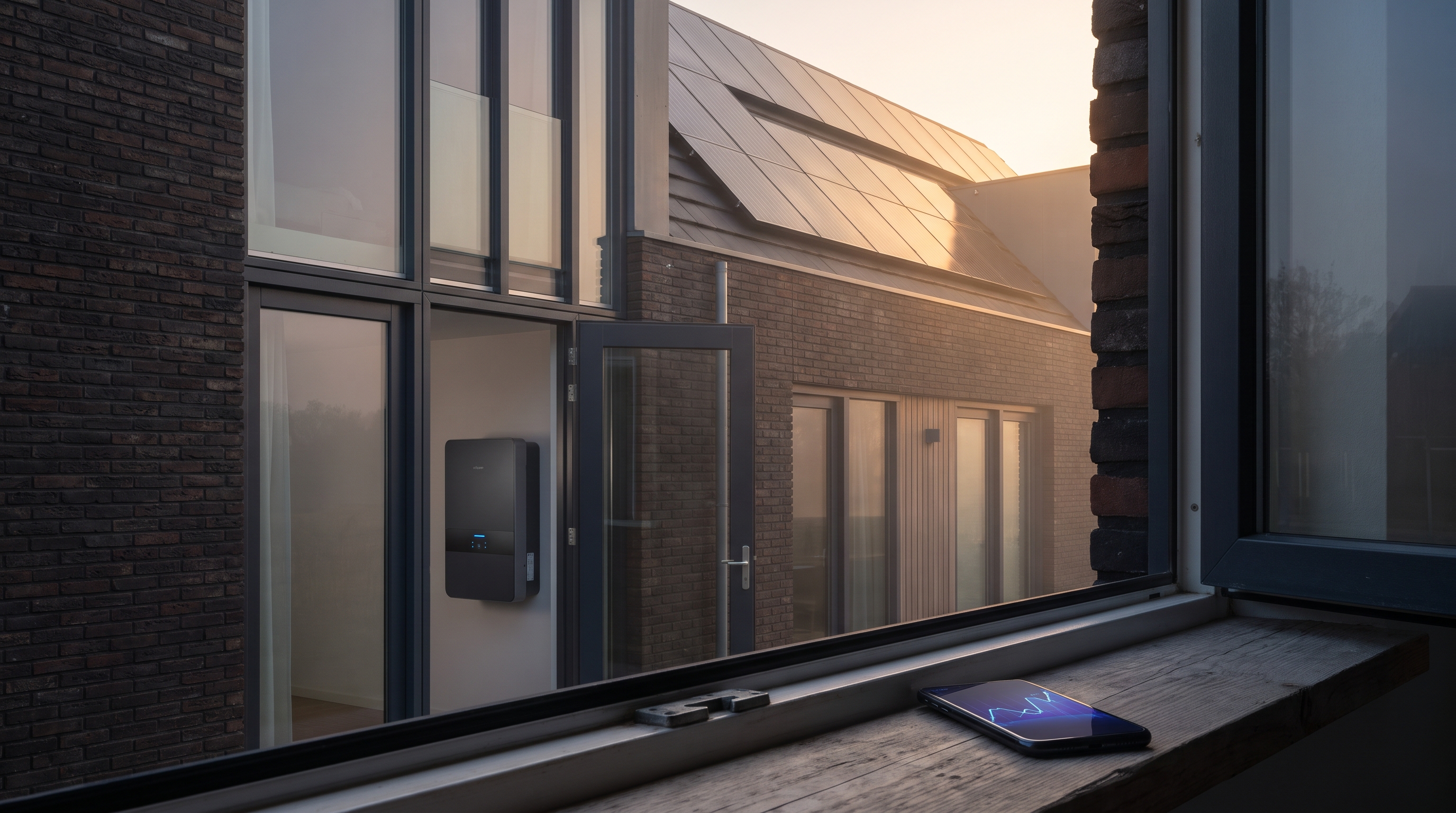
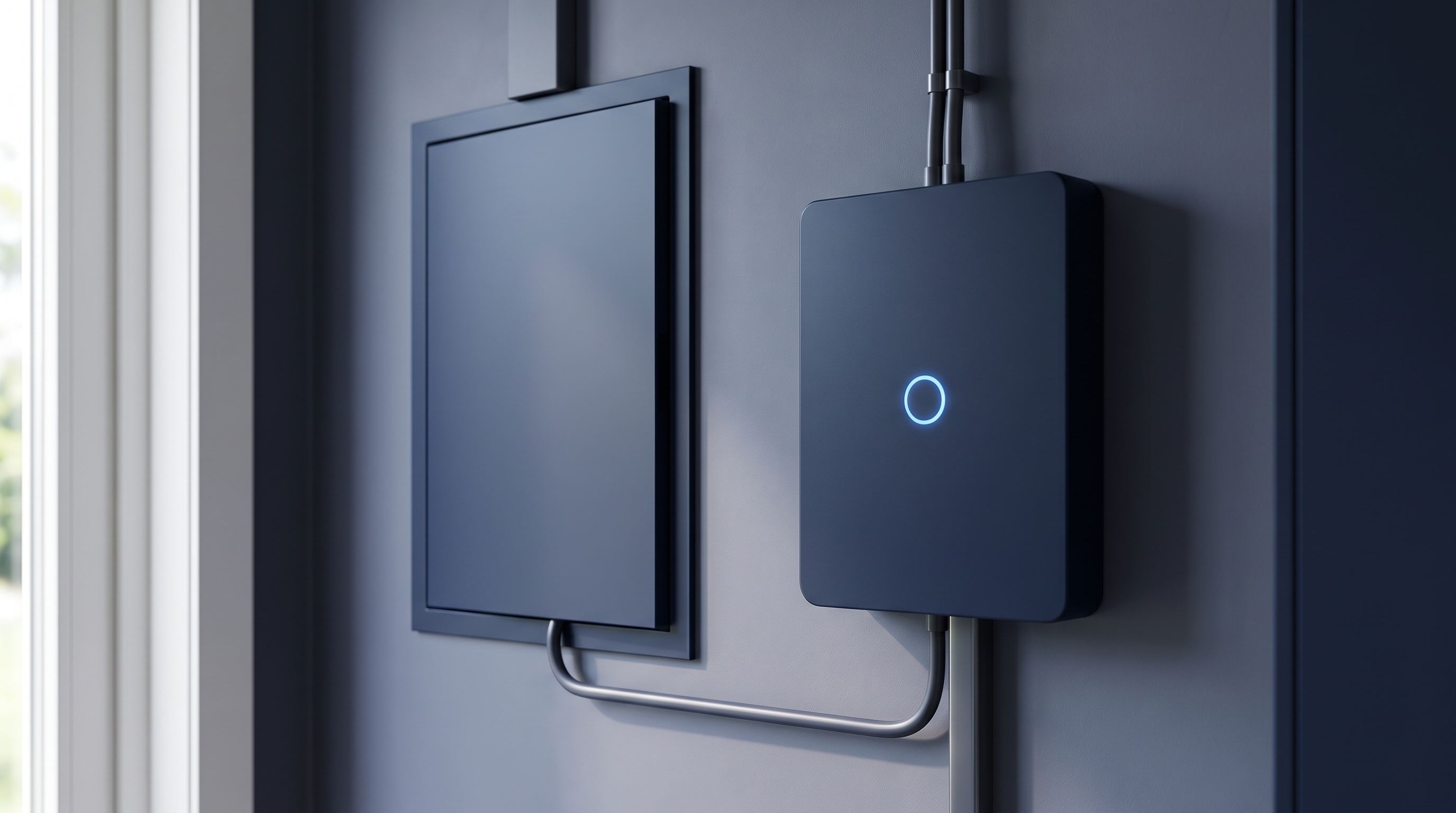
After a year of building and a summer of beta testing, the Lyvra app is now in the App Store and on Google Play. It is free.
What it does, in one sentence: it shows you where every watt in your home is going, and charges your EV when electricity is cheapest or when your own solar is going spare, without you having to think about it.
Download on the App Store · Get it on Google Play
What the app does today
Here is what works right now, not what is planned.
Live energy flow. Solar, home, grid and your EV in one live picture: what the panels produce, what the house uses, what the car is pulling and what is coming from or going to the grid, updated as it happens. This is the screen the app opens on, and it is the reason most people keep it open.
Smart EV charging on a dynamic contract. Every afternoon around 13:00 tomorrow's prices are published. Lyvra reads them, picks the cheapest window that still has your car full by the departure time you set, and charges then. On a normal day the gap between the cheapest and the most expensive hour is roughly a factor of ten, and a fixed "charge after midnight" timer misses most of that. Against habitual evening charging, this is worth several hundred euros a year. How smart charging works.
Charging on solar surplus. When your panels produce more than the house is using, that surplus goes into the car instead of back to the grid for a few cents per kWh. In the Netherlands, from 2027, when saldering ends, using your own solar is worth five to eight times more than exporting it. The app needs to see your export for this, so it wants a connected meter or inverter.
Your meter, second by second. Live import, export and today's totals straight from your smart meter. Today that works with an Easee Equalizer; later the Lyvra dongle, a small Bluetooth P1 reader that also works offline, does the same on any meter with a P1 port. What the P1 port gives you.
Know what your roof earns. Live production, today's peak and the energy it saved, either detected through your meter's export or read directly from your inverter.
Dynamic load balancing. The charger never pulls more than your connection can take. In Belgium this is also what keeps the capaciteitstarief peak down.
Every device, one app. Chargers from Easee, go-e, Wallbox, NexBlue and Zaptec have their own integrations, and any OCPP charger can be connected. No proprietary hub.
Understand where it goes. Daily, weekly and monthly consumption, an hour-by-hour load profile, and the savings behind them.
The app works with dynamic, fixed and time-of-use tariffs, is available in 17 European countries, and speaks Dutch, English, German, French, Danish, Norwegian and Swedish.
What it does not do yet
We would rather say this here than have you find out in the settings menu.
- Home battery control. You can add a battery during setup and see it in the energy flow, but the app does not yet steer charging and discharging. That is the next big piece of work.
- Heat pumps are on the roadmap, not in the app.
- The Lyvra dongle is on pre-order; the shipping window is on the pricing page. Until it ships, live meter data needs an Easee Equalizer.
If any of these is the thing you need most, tell us. It genuinely shapes what gets built next.
How the app handles your data
Meter readings are energy data, and energy data says a lot about a household. Three lines from our privacy policy that we mean:
- Readings come from your own meter, not from your supplier or grid operator.
- We store readings at the coarsest granularity at which the feature still works. High-frequency sampling is something you switch on, not something we default to.
- We never sell energy data.
The full policy is at lyvra.energy/en/privacy. Deleting your account and your data takes one tap in Settings, or one form on the website, no app needed.
What it costs
The app is free to download and free to use. Lyvra+ is an optional subscription for extra features; what it includes and what it costs is shown in the app, and you can cancel at any time through the App Store or Google Play.
Getting started
- Install the app: App Store or Google Play, or go to lyvra.energy/app on your phone.
- Pick your devices, connect your charger and, if you have one, your meter or inverter.
- Choose your tariff and set a departure time. That is it. From tomorrow the car charges on the cheapest hours.
If something breaks, or something is confusing, write to hello@lyvra.energy. It reaches the person who built it.