The P1 port is the small connector on your smart meter that lets you read your own energy data in real time, second by second, at home. Plug a reader into it and you can see exactly how much electricity you are drawing or exporting right now, not just what turns up on next month's bill. That live, local view is the foundation of every useful smart-energy setup, from cutting your consumption to automating an EV, battery or heat pump.
What the P1 port is
Modern smart meters in the Netherlands and Belgium follow the DSMR standard (Dutch Smart Meter Requirements). Every DSMR meter has a P1 port — a small RJ12 socket on the front. It continuously sends out a 'telegram': a short message listing your current import, export, per-phase power, gas usage, and the meter's totals. On a DSMR5 meter this telegram updates every second; on older meters, roughly every ten.
Two things make the P1 port special. It is read-only — nothing you connect can change your meter or your contract — and it is local: the data comes straight out of the meter in your home, with no cloud, no supplier, and no delay in between.
What you can actually see
A P1 reader turns that telegram into a live picture of your home's energy:
- your real-time power draw in watts, updated every second,
- how much solar you are exporting versus consuming at this exact moment,
- your usage split across the three phases (which reveals what a big appliance is doing),
- your running totals for import, export and gas.
Compare that with a normal energy bill, which tells you one number a month, long after you could have done anything about it. The P1 port closes that gap from a month to a second.
Why real-time, local data matters
Seeing your consumption live changes behaviour on its own: most people who start watching their P1 data quickly spot idle loads and shave their usage. But the bigger value is automation. A smart energy system can only make good decisions if it knows what is happening right now, and the P1 port is the cleanest source of that truth.
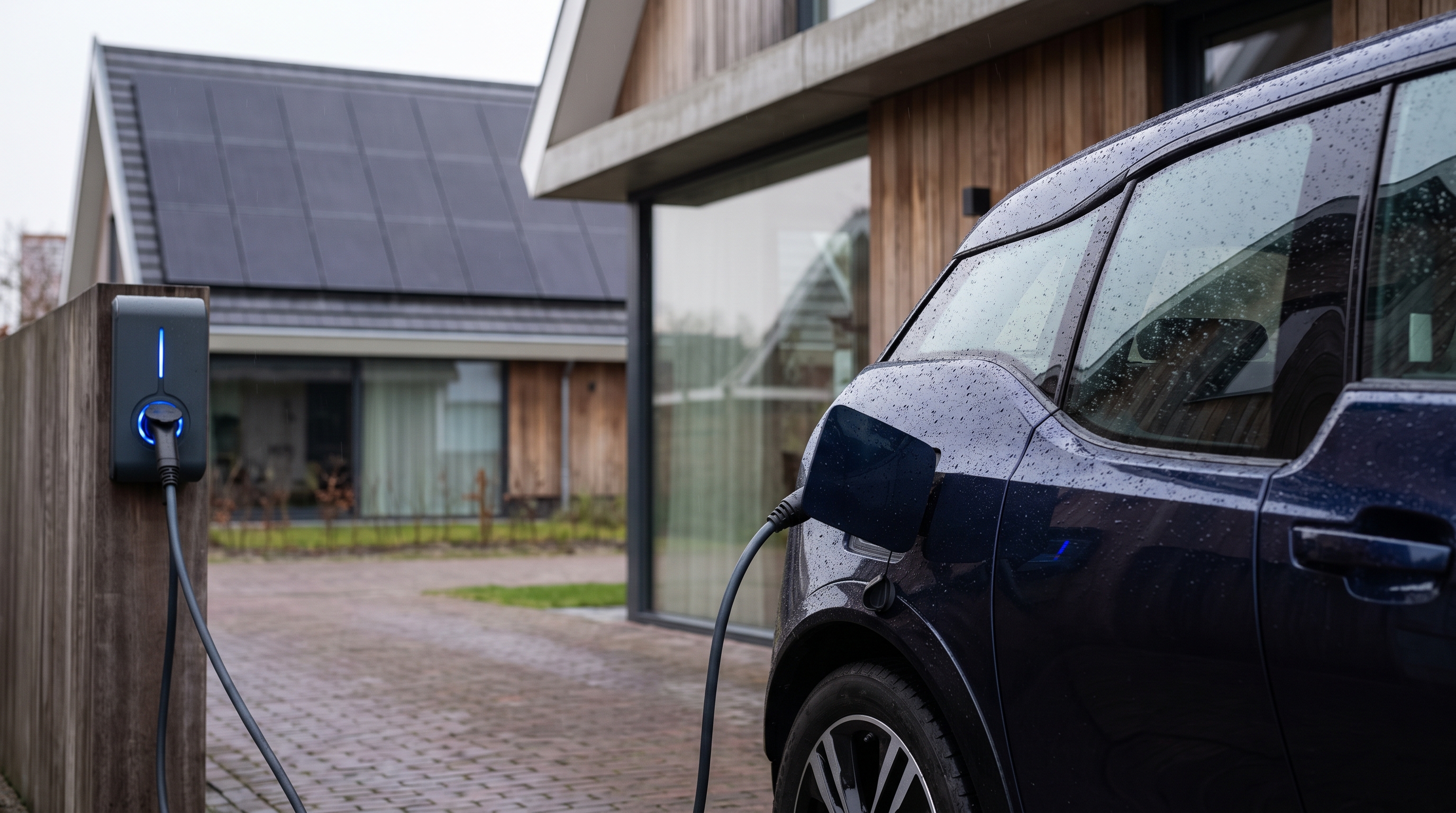
With a live P1 feed, a system can charge your EV from solar surplus the instant the sun comes out, hold a home battery back for the evening peak, and — crucially in Belgium — flatten the consumption spikes that set your monthly capacity-tariff peak. It reacts in real time because the data is real time. This is exactly the coordination job a home energy management system does; see HEMS, EMS and HEM explained, and for the Belgian peak angle, how to avoid the capacity tariff.
How to read your P1 port
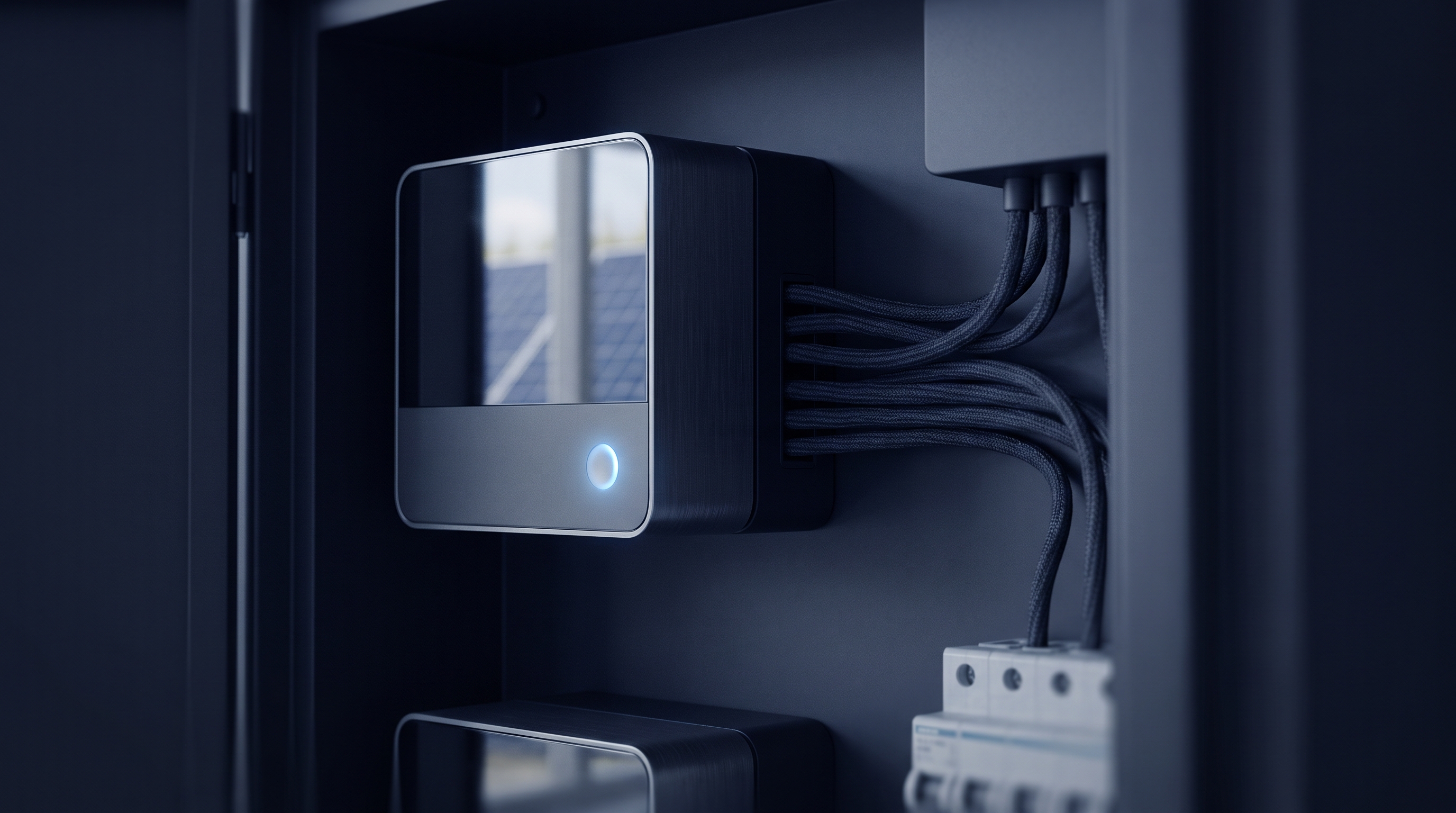
You need a small device called a P1 reader or dongle that plugs into the port and streams the data to an app or system. Options range from standalone consumer readers to the edge device built into a full energy platform. Whichever you use, the setup is the same: plug it into the P1 socket, and the live feed starts immediately — no electrician, no meter change.
Lyvra reads your meter directly over the P1 port (via a Lyvra dongle) and uses that local, second-by-second data to drive its optimisation, so decisions about your solar, battery and EV are based on what your home is actually doing at that moment.
The bottom line
The P1 port is easy to overlook, but it is the single most useful connector in your meter cupboard. It turns your energy from a monthly mystery into a live signal — and that signal is what makes real awareness, and real automation, possible.